
Repair management, from booking in to collection
With Fixory, a repair shop books repairs in, moves them through set stages, gets quotes approved from the customer's phone, and hands back a checked device. Every change is kept in the repair's history.

Book in at the counter
Record the customer, the device, the fault, its condition and the technician. The customer accepts your terms at booking.
- Pick the device from a catalogue of brands and models.
- If the screen is too broken to read the IMEI, book the repair anyway and add the IMEI later.
- Your terms, with your business details, are on a page customers can open from their emails.
- Print job sheets and repair documents, with your shop's logo at the top.

Every repair has a stage
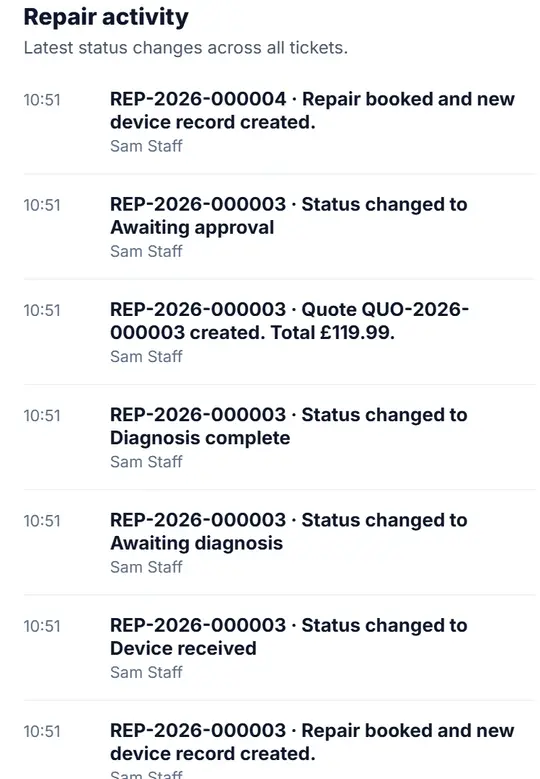
Each repair moves through set stages, from booked in to collected, and every change is kept in its history.
- Parts used in a repair are taken from stock, and the stock movement is recorded.
- A quality-control checklist must be passed before a repair is marked complete, and each shop can edit its checklist.
Quotes approved from the customer's phone
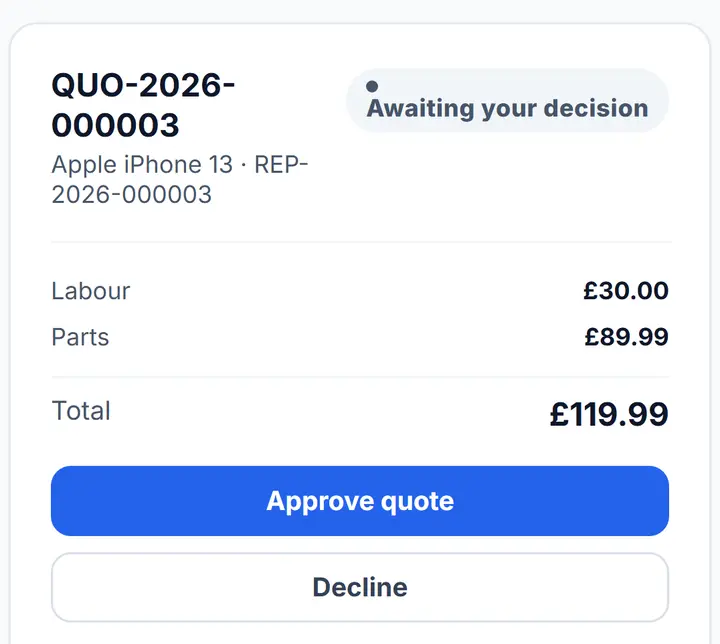
The customer opens the quote from a link on their phone and approves or declines it. If they decline, they can say why.
Customers can see where their repair is
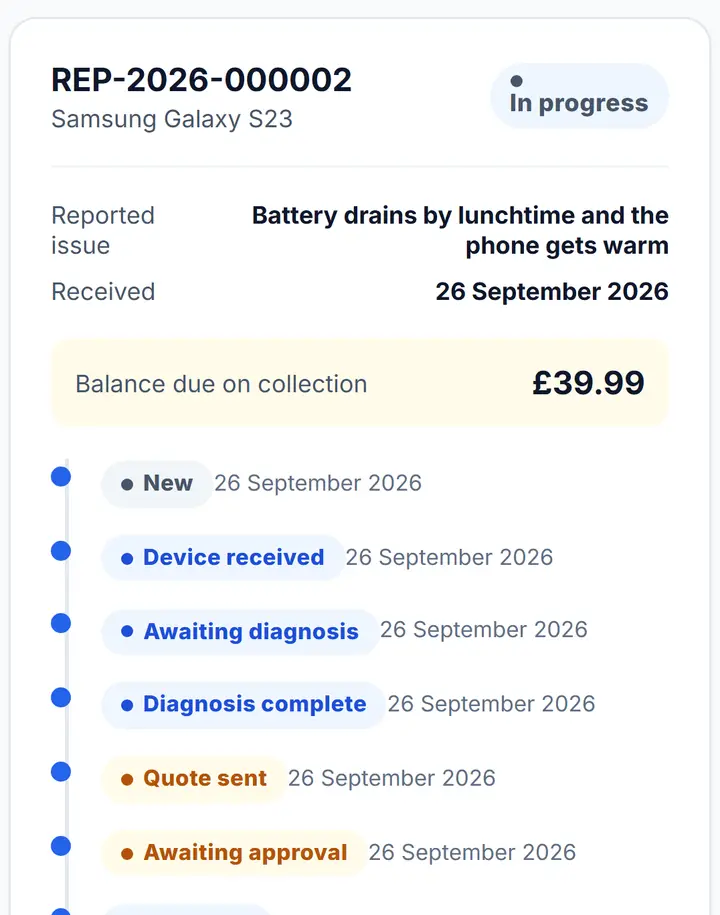
Customers check their repair's progress online with their repair number and last name.
- They get emails when their repair is booked in, when its status changes, when a quote is ready, when it's accepted, when it's ready to collect, and for payments.
Payments and warranties
Take deposits and balance payments against a repair, with a receipt.
- Give a warranty with a printable certificate.
- Track warranty claims through their stages.
Good to know
- Customers are kept informed by email. There are no text messages.
- Customers can't book repairs online. You book them in at the counter.
Common questions
Can customers book a repair online?
No. You book repairs in at the counter. Once it's booked, customers can check their repair's progress online.
How do customers approve a repair quote?
They get a link to the quote. They open it on their phone and approve or decline it, and the repair moves on without a phone call.
Can customers check on their repair?
Yes. They enter their repair number and last name to see where their repair is up to, and they get emails as it moves along.
Do customers get text messages about their repair?
No. Customers get emails as their repair moves along, but Fixory doesn't send text messages.